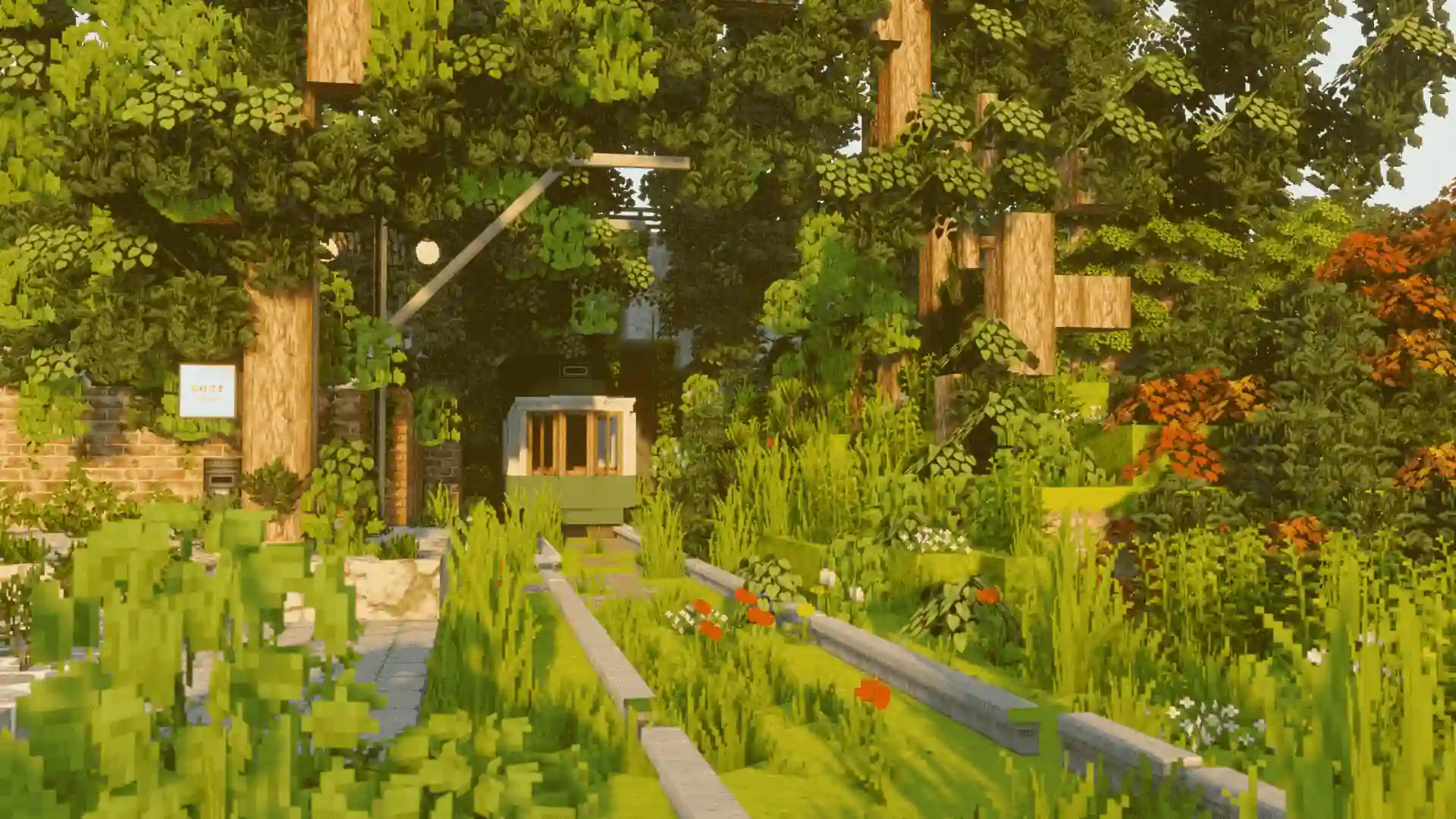
CurseForge Server Hosting
Pick any CurseForge modpack and the panel does the rest: server files, mod loader, the right Java version and launch flags. Your server is online in minutes, on AMD Ryzen 9 7950X3D in Frankfurt from €5/month, with free DDoS protection.
See CurseForge plansRLCraft
Forge · 1.12.2
All the Mods 9
InstallingNeoForge · 1.20.1 · Java set automatically
SkyFactory 4
Forge · 1.12.2
Achievement Unlocked
Pack installed in one click
Any CurseForge modpack, one click
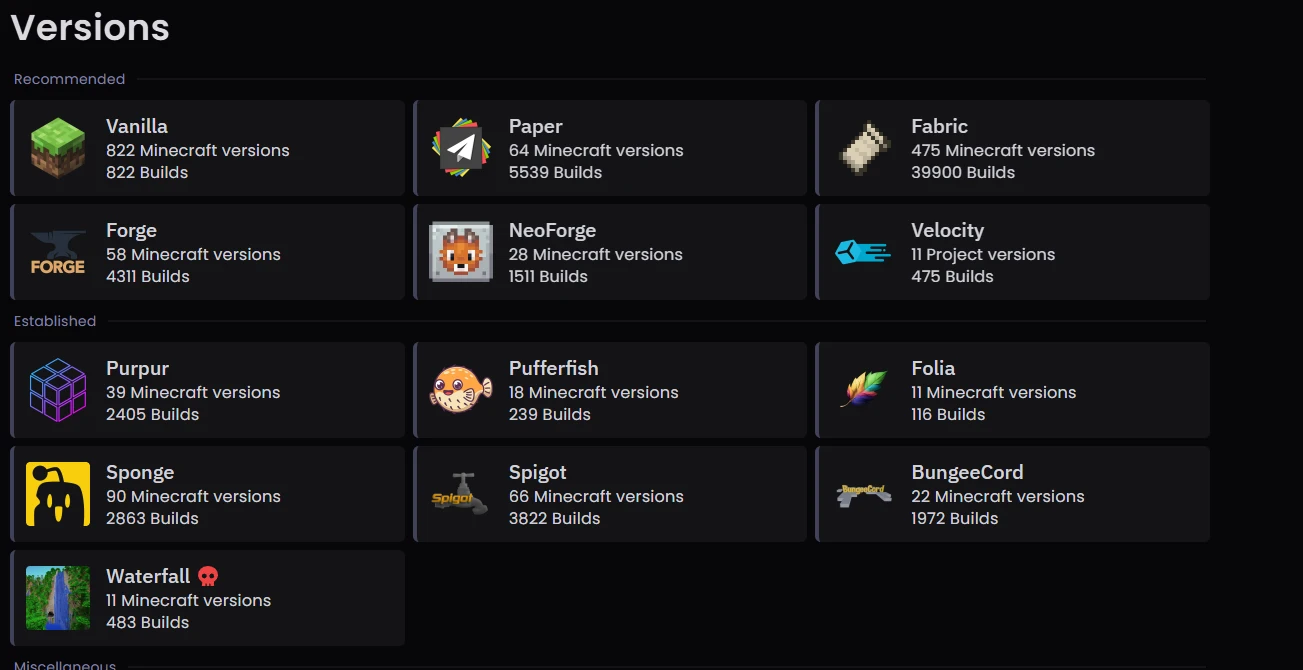
The Pterodactyl panel installs any Minecraft version, any public CurseForge modpack and plugins directly on your server. Search the catalog from the panel, click install, and it downloads the server files, sets the matching Forge or Fabric loader, picks the Java version the pack expects and applies working launch flags. That saves you the usual half hour of downloading server files by hand, chasing missing dependencies and discovering on first boot that the Java version is wrong.
Step 1 · Search
Type the pack name in the installer. RLCraft, SkyFactory, FTB packs, Better Minecraft and thousands of others are in the catalog, including older versions of each pack.
Step 2 · Install
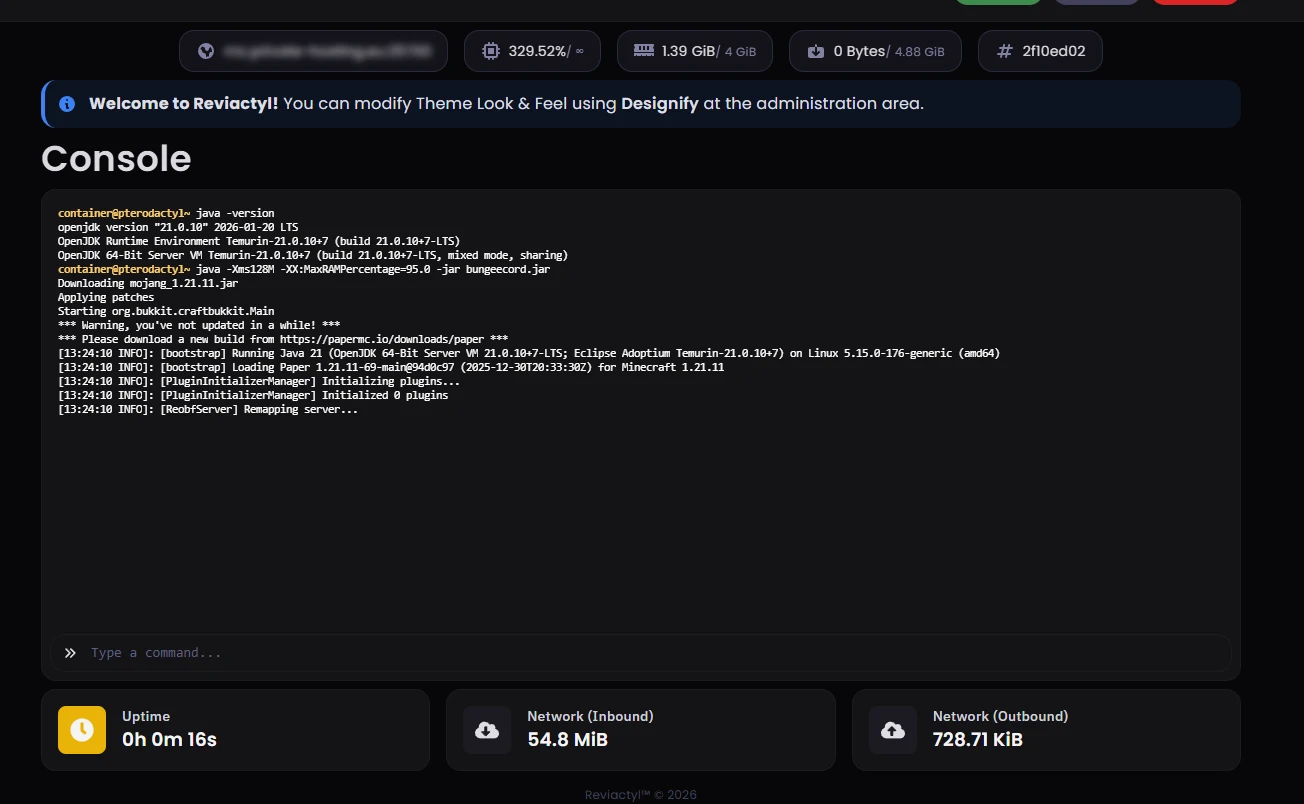
The panel pulls the server files and the mod loader, sets the Java version the pack expects and writes sane launch flags. Dependencies ship with the pack, so nothing is missing on first start.
Step 3 · Play
Start the server and hand out your IP. Plugins for Paper and Spigot install the same way, straight from the panel.
How much RAM does your pack need
Pack weight matters more than player count. Treat these as starting points rather than guarantees, because every pack and every world behaves a bit differently.
4 GB+
Vanilla-plus and small packs with a modest mod count. Start on MC-4-GB and upgrade if the pack grows.
See the 4 GB plan8 GB+
Progression packs in the SkyFactory class and most popular mid-weight builds. MC-8-GB covers these comfortably.
See the 8 GB plan16 GB+
All the Mods, FTB kitchen-sink builds and RLCraft with a full crew. Go MC-16GB, or MC-32GB when the modlist is enormous.
See the 16 GB planFor the detailed memory breakdown, read our Minecraft server RAM requirements guide. And if your question is which packs run well rather than how they install, see modded Minecraft server hosting.
Choose your tier, same legendary hardware
Every plan runs on AMD Ryzen 9 7950X3D with 3D V-Cache, from €4.25/mo. Upgrade as your world grows.
The matching discount code is applied automatically at checkout.
MC-4-GB
For light packs and vanilla-plus
or €4.25/mo billed annually
Save 15% · code YEARLY-15-MC
Order Now
MC-8-GB
For mid-size packs
or €7.65/mo billed annually
Save 15% · code YEARLY-15-MC
Order Now
MC-16GB
For heavy kitchen-sink packs
or €14.45/mo billed annually
Save 15% · code YEARLY-15-MC
Order Now
MC-32GB
For the biggest packs and communities
or €28.90/mo billed annually
Save 15% · code YEARLY-15-MC
Order NowIncluded on every plan
CurseForge server hosting FAQ
Common questions about running CurseForge packs on our servers. Anything else? Ask on Discord, real engineers reply.
Can I install any modpack from CurseForge?
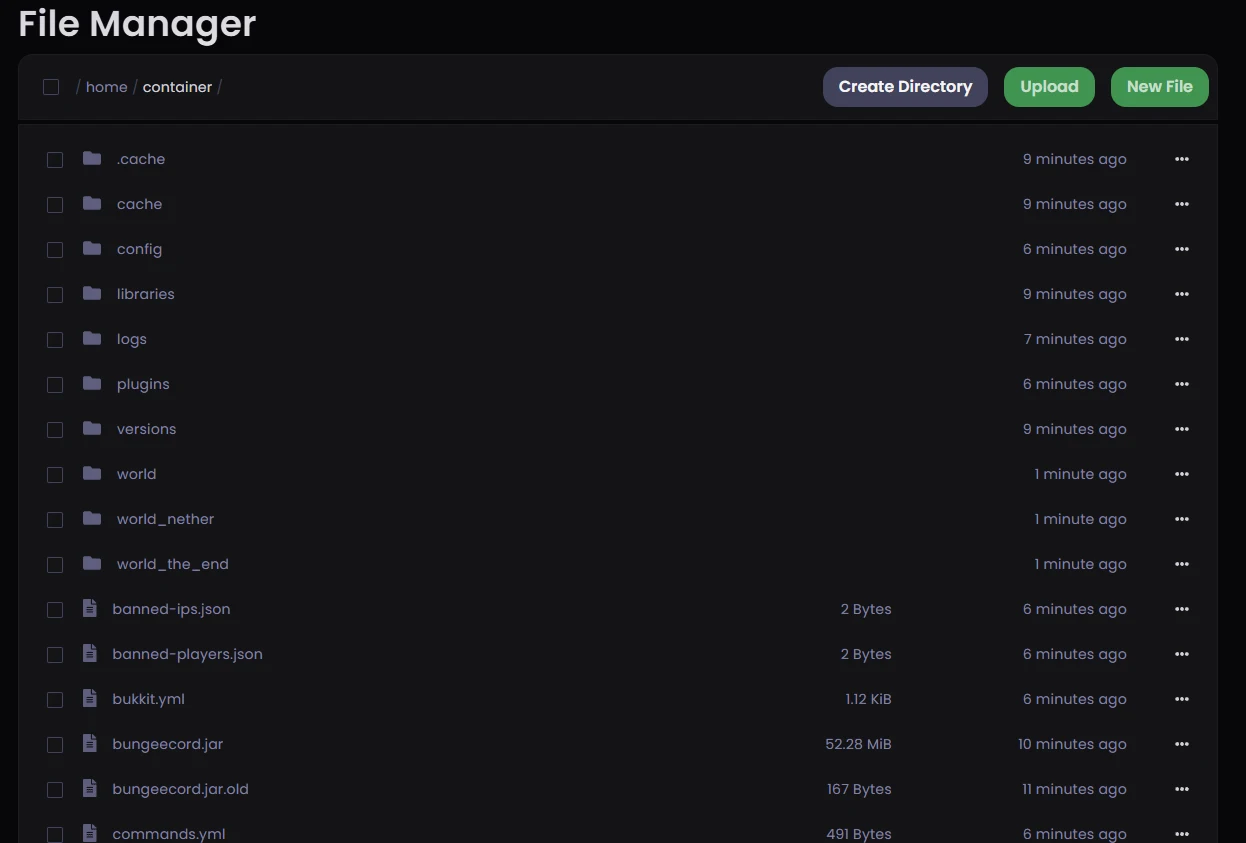
Yes, any public pack in the CurseForge catalog installs in one click from the Pterodactyl panel: RLCraft, SkyFactory, All the Mods, FTB packs, Better Minecraft and thousands more, in whichever pack version you pick. Private or custom packs are the one exception, since they are not in the public catalog. Upload those through the file manager or SFTP and they run the same way.
How long does modpack installation take?
Usually a few minutes, but it depends on the pack. Install time scales with the size of the pack and the number of mods it ships, and the first boot of a heavy pack takes longer than later restarts because the server generates its world. The panel shows progress the whole time.
Can I update a modpack without losing my world?
In most cases yes, and the panel is built to make the failure case cheap. Take a one-click snapshot backup, then run the update. Minor pack updates rarely touch the world. Major updates can remove mods or change world generation, and that can break existing chunks. If it does, restoring the backup is one click and the world is back as it was.
Can I switch from one modpack to a completely different one?
Yes, from the panel. Run the installer with the new pack and it replaces the server files; your plan, IP and billing do not change. Back up the old world first if you might return to it. Restore works the same one-click way.
Do you support Modrinth modpacks?
Yes. The installer covers Modrinth's catalog alongside CurseForge, and Modrinth is growing quickly, especially for Fabric packs. Search and install from the same panel screen. If a pack is published on both platforms, either source works.
What hardware runs my pack?
Dedicated AMD Ryzen 9 7950X3D cores with 96 MB of 3D V-Cache, dedicated DDR5 ECC RAM and NVMe Gen4 storage, in Frankfurt, Germany. Modpack servers lean on single-thread performance and cache, which is where the V-Cache design is strongest. Layer 4 and Layer 7 DDoS protection is included on every plan, and remote DDoS protection is available for servers hosted elsewhere.
More Minecraft server types
Same Ryzen 9 7950X3D hardware, same Frankfurt network. Pick the setup that matches how you play.
Modded Server Hosting
Forge, Fabric and NeoForge servers with the single-thread speed heavy modpacks need.
CurseForge Modpacks
Install any CurseForge or Modrinth modpack in one click from the Pterodactyl panel.
Bedrock & Crossplay
Phones, consoles and PC on one server, with Geyser set up from the panel.
Aternos Alternative
Outgrown a shared host? 24/7 uptime and a world migration that takes about ten minutes.
Fabric Hosting
The lightweight mod loader that tracks new Minecraft versions fastest.
Paper Hosting
The plugin server of choice, tuned for high player counts and stable ticks.
Spigot Hosting
Classic plugin hosting with full control over configs and server.properties.
Remote DDoS Protection
Already hosting elsewhere? Put our Minecraft-aware filtering in front of your server.