Minecraft Bedrock Server Hosting
One server for every device: phones, tablets, consoles and PC join the same world, with Geyser and Floodgate set up from the Pterodactyl panel. You get port 19132 UDP on a dedicated IPv4, from €5/month, with DDoS protection built for Bedrock's UDP traffic.
See Bedrock plansAchievement Unlocked
Console, phone and PC in one world
Every platform, one server
Bedrock is the edition that ships on phones, consoles and Windows. Your server accepts all of them at once, and Geyser brings Java players into the same world.
Phone & Tablet
Android and iOS players add the address under Servers and join over Wi-Fi or mobile data.
Console
Xbox joins by address with a Microsoft account; PlayStation and Switch connect through a DNS method.
PC · Bedrock
Minecraft for Windows adds the server by IP and port, exactly like mobile.
PC · Java via Geyser
With Geyser on a Paper base, Java players join the same world from their usual client.
Geyser and Floodgate, set up from the panel
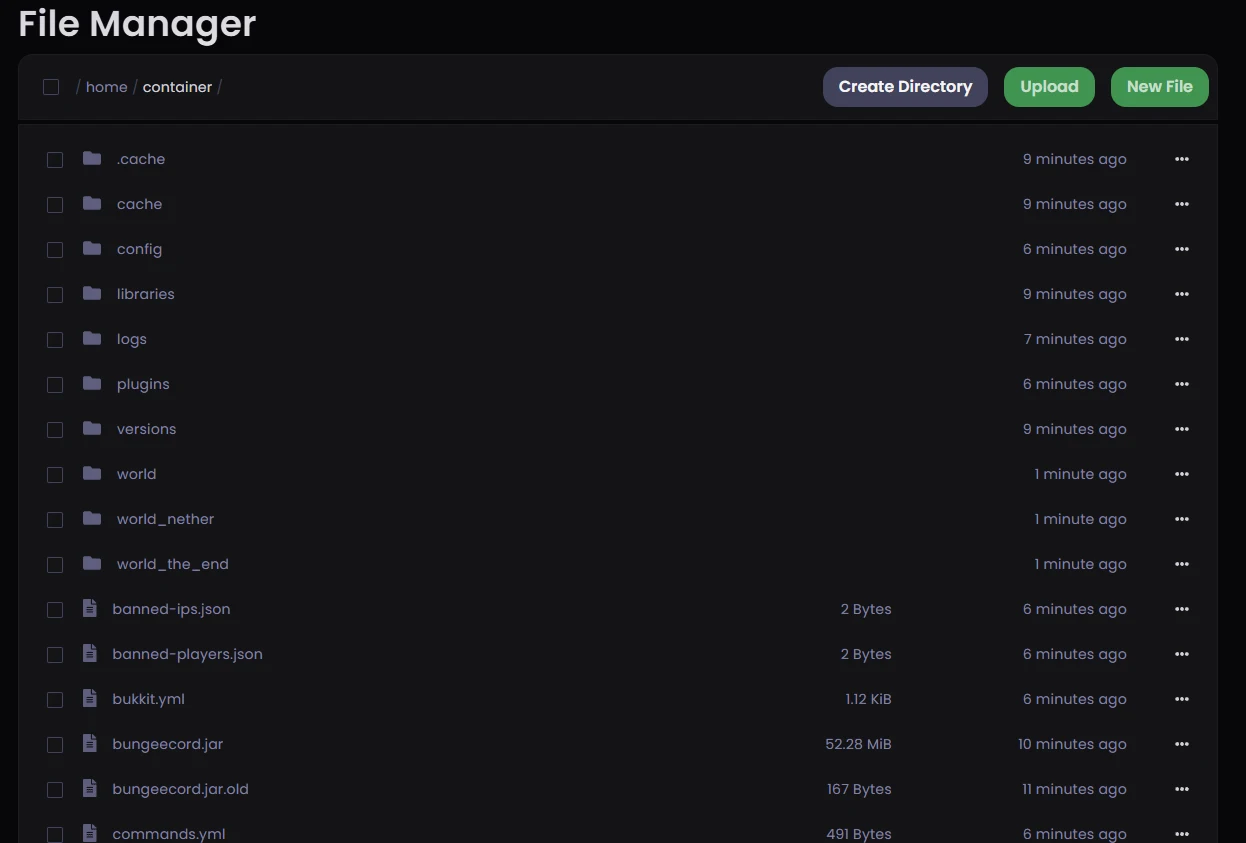
Crossplay on your server runs through GeyserMC. Geyser translates between the Bedrock and Java protocols in real time, so a phone or a console connects to a Java world as if it were native, and Floodgate signs those players in without a Java account. Both install in one click from the Pterodactyl panel. Most gameplay translates cleanly; custom Java resource packs convert with some loss, and a few redstone behaviours differ between editions.
Step 1 · Install
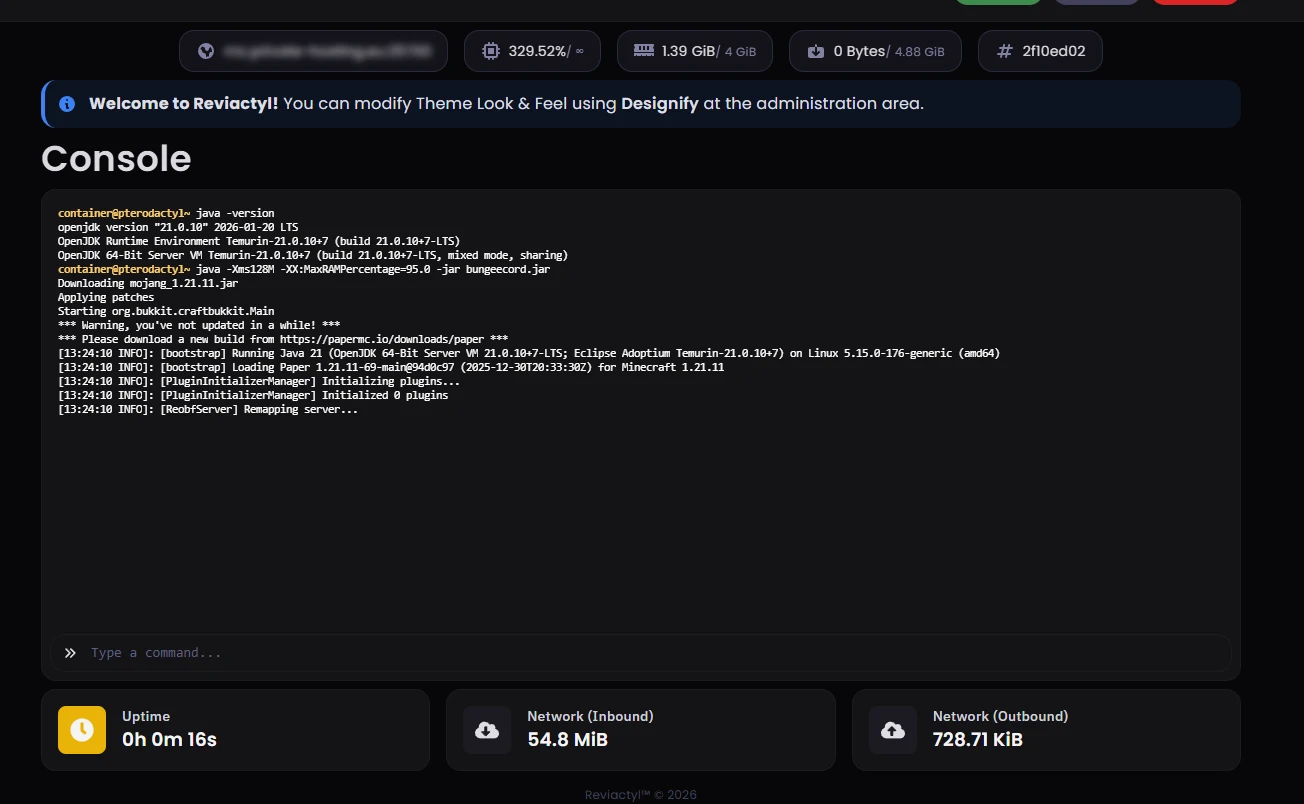
Open the panel, search the installer for Geyser and Floodgate and click install on each. The panel places the files and restarts the server for you.
Step 2 · Connect
Java players join with your server IP as they always have. Bedrock players tap Add Server on their device and enter the same address with port 19132.
Step 3 · Play
Everyone shares one world. Floodgate signs Bedrock players in with the Microsoft account they already use, so they do not need a Java account.
Built for Bedrock's networking
Bedrock speaks a different protocol than Java. The filtering, the port layout and the panel here are set up for it.
RakNet and UDP, not TCP
Bedrock carries every packet over UDP port 19132 using RakNet. Java listens on TCP 25565, where SYN cookies and connection limits do their job. On Bedrock, real and forged packets arrive on the same UDP port, so the classic TCP defences never even see the attack.
Filtering that reads Bedrock traffic
A filter that only understands TCP is blind to a UDP flood. Our Frankfurt edge runs Layer 3, 4 and 7 filtering with deep packet inspection tuned for the Minecraft protocol: forged and malformed game packets drop upstream while genuine players stay connected. The full defensive picture is in our guide on protecting a Minecraft server from DDoS.
Protection for servers hosted elsewhere
Already hosting your Bedrock server with another provider? The same Minecraft-aware filtering is available as remote DDoS protection. Your player traffic passes through our Frankfurt edge first and reaches your existing server clean.
A dedicated IPv4 and your own port
Every plan includes its own IPv4 address. Bedrock listens on UDP 19132 by default, you can set a custom port from the panel, and a subdomain on private-hosting.eu gives players a friendlier address than a raw IP.
More control than Realms
Realms caps player counts and keeps the world files out of reach, and featured servers are someone else's world entirely. On a dedicated server you own everything: back up the world, edit it over SFTP, load add-ons and grow as far as your RAM allows. We go deeper when comparing hosting options.
Everything from the Pterodactyl panel
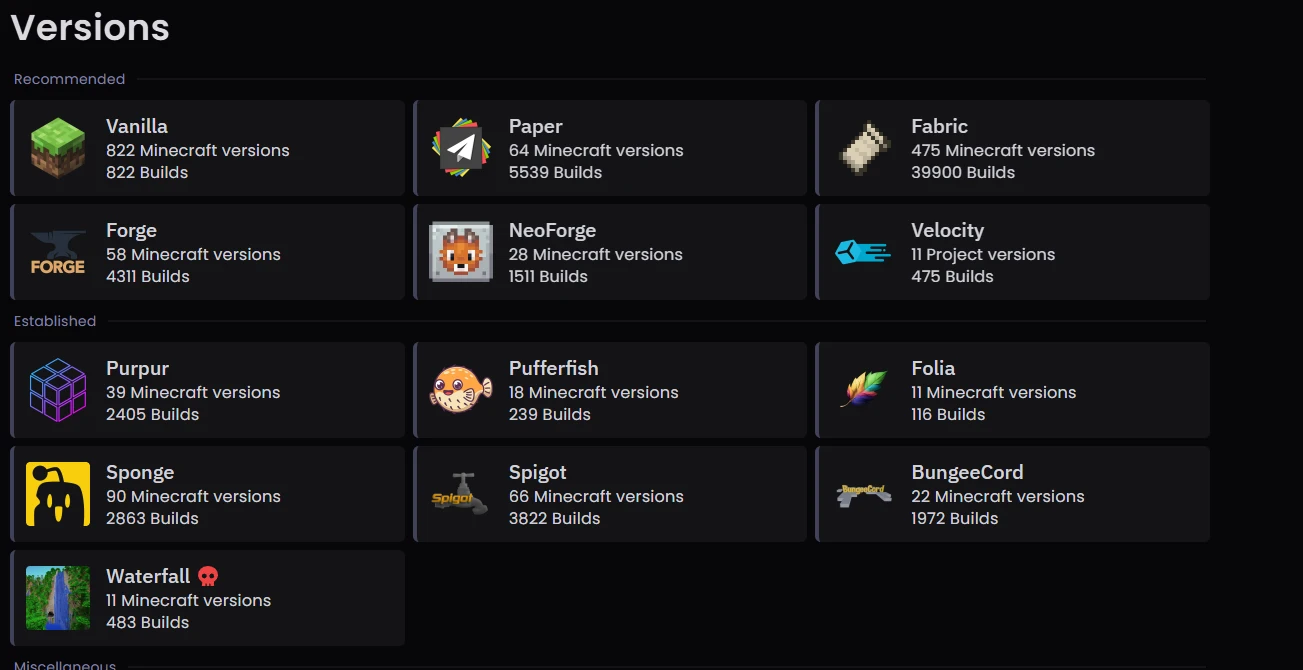
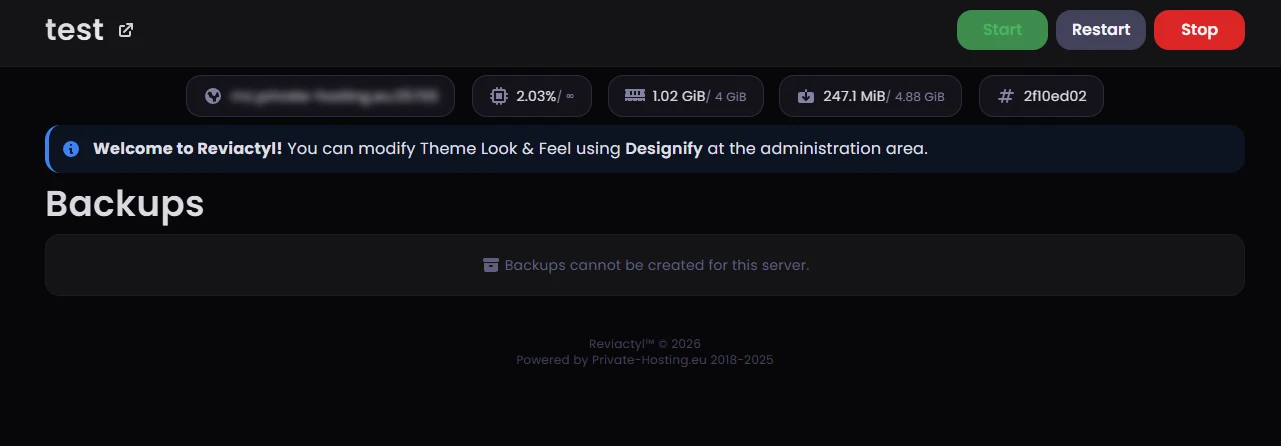
Swap Bedrock versions with one click, take a snapshot backup before a risky change, upload worlds and add-ons through the file manager or SFTP, and give co-owners scoped subuser access. The whole server runs from a browser.
Bedrock plans and pricing
Every plan runs on AMD Ryzen 9 7950X3D with 3D V-Cache, from €4.25/mo. A 4 GB plan suits a small crossplay group; 16 GB and up carry busy worlds with many add-ons.
The matching discount code is applied automatically at checkout.
MC-4-GB
For a friends-and-family Bedrock world
or €4.25/mo billed annually
Save 15% · code YEARLY-15-MC
Order Now
MC-8-GB
For busy crossplay groups
or €7.65/mo billed annually
Save 15% · code YEARLY-15-MC
Order Now
MC-16GB
For big worlds with many add-ons
or €14.45/mo billed annually
Save 15% · code YEARLY-15-MC
Order Now
MC-32GB
For large crossplay communities
or €28.90/mo billed annually
Save 15% · code YEARLY-15-MC
Order NowIncluded on every plan
Bedrock hosting FAQ
Common questions about running a Bedrock or crossplay server with us. Anything else? Ask on Discord, real engineers reply.
Do Bedrock players need a Java account to join through Geyser?
They do not. Floodgate handles authentication, so Bedrock players sign in with the Microsoft account they already use and skip the Java login entirely. Install Geyser and Floodgate from the Pterodactyl panel, restart the server, and both editions can join the same world.
Can console players join without Xbox Live workarounds?
Windows, Android, iOS and Xbox players connect with their normal Microsoft account and simply add the server by IP and port. PlayStation and Nintendo Switch lock the in-game server list, so those players usually use a DNS-based method or a companion app. That restriction is set by the console platform, not by us.
Which devices can join my server?
Every device that runs Bedrock can join: Minecraft for Windows 10 and 11, Android and iOS phones and tablets, and Xbox, PlayStation and Nintendo Switch consoles. With Geyser installed, players on the Java client join the same world too.
Can I use add-ons and behaviour packs?
Yes. Bedrock uses add-ons, which are behaviour and resource packs written in JSON and JavaScript. Upload them through the panel file manager or over SFTP and enable them for your world, the same way you would in a local game.
Can I run plugins on a Bedrock server?
Plugins are a Java feature: JAR files built on the Bukkit and Spigot APIs, and they do not run on a plain Bedrock server. If you want the plugin ecosystem and Bedrock players at the same time, run Paper hosting with Geyser and Floodgate. The plugins run server-side, so Bedrock clients see their effects without installing anything.
Can I transfer a Realms world?
Yes. Download the world from your Realms settings, then upload it through the panel file manager or over SFTP and point the server at it. Once it runs on your plan the world is yours to back up, edit and expand without the Realms player cap.
Which address and port do players use?
Your server comes with a dedicated IPv4, and Bedrock listens on UDP port 19132 by default. Players add that address and port under Servers in their client. You can change the port from the panel, or hand out a subdomain on private-hosting.eu instead of the raw IP.
Does the UDP port get the same DDoS filtering as Java?
Yes. Filtering runs at the Frankfurt edge across Layer 3, 4 and 7 and covers the UDP traffic to your Bedrock port, not only TCP. Minecraft-tuned deep packet inspection drops malformed and forged game packets upstream, always on, with detection under one second and without rerouting your players.
More Minecraft server types
Same Ryzen 9 7950X3D hardware, same Frankfurt network. Pick the setup that matches how you play.
Modded Server Hosting
Forge, Fabric and NeoForge servers with the single-thread speed heavy modpacks need.
CurseForge Modpacks
Install any CurseForge or Modrinth modpack in one click from the Pterodactyl panel.
Minecraft Server Hosting
The hub for every server type we run: compare Java, Bedrock, modded and plugin setups.
Aternos Alternative
Outgrown a shared host? 24/7 uptime and a world migration that takes about ten minutes.
Fabric Hosting
The lightweight mod loader that tracks new Minecraft versions fastest.
Paper Hosting
The plugin server of choice, tuned for high player counts and stable ticks.
Spigot Hosting
Classic plugin hosting with full control over configs and server.properties.
Remote DDoS Protection
Already hosting elsewhere? Put our Minecraft-aware filtering in front of your server.